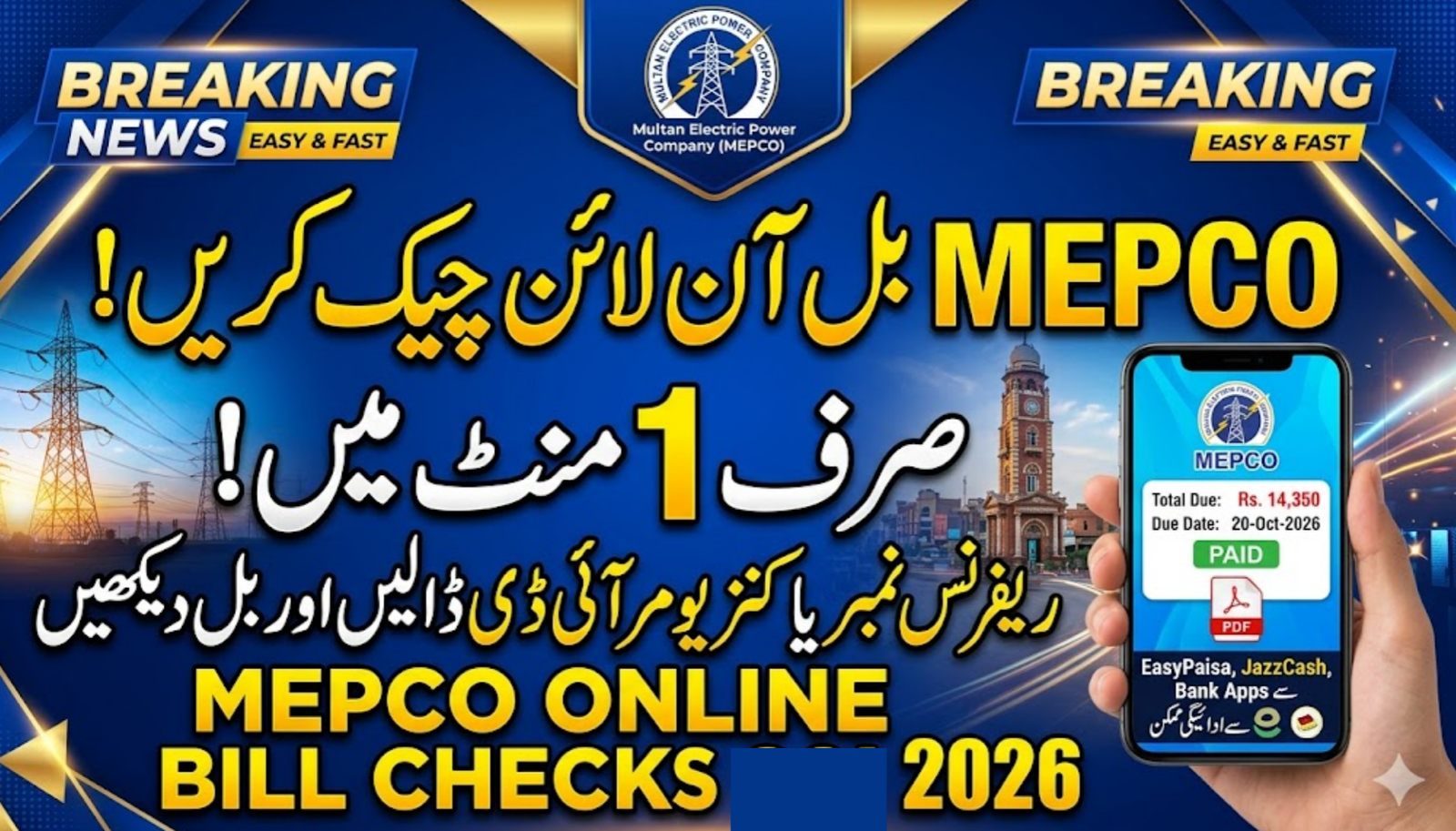
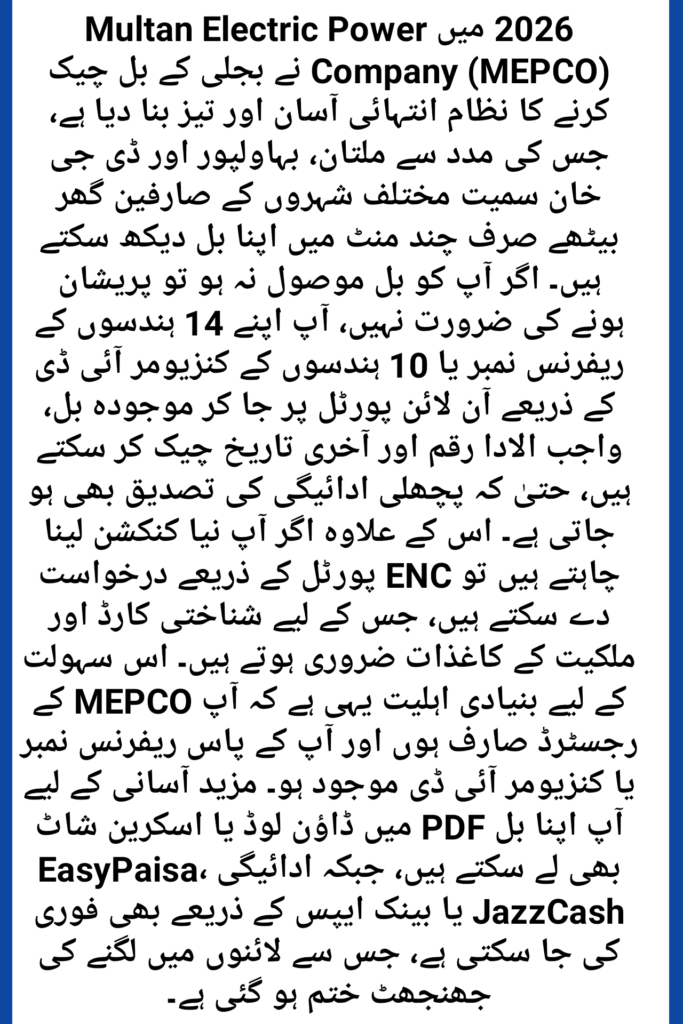
Finding your electricity bill when the postman forgets to deliver it is a common struggle in Pakistan. If you live in Multan, Bahawalpur, Dera Ghazi Khan, or any other city under the Multan Electric Power Company, you don’t need to panic anymore. You can perform a MEPCO online bill check in just a few clicks. In 2026, the digital system has become much faster, allowing you to check and download your MEPCO electricity bill from your smartphone while sitting at home. Using your 14-digit reference number, you can view your current bill, check the due date, and even see if your previous payment was updated in the records.
Table of Contents
How to Check Your MEPCO Bill Online
The process is very straightforward. You don’t need to be a tech expert to get your duplicate bill. Here is the step-by-step method that most Pakistani bloggers and residents use:
- Locate Your Reference Number: Grab an old electricity bill. On the top left corner, you will see a box labeled “Reference Number.” It consists of 14 digits (e.g., 12 12345 6789012).
- Open the Official Portal: Visit the MEPCO online bill website “https://bill.pitc.com.pk/mepcobill ” or the PITC official portal.
- Enter the Details: Carefully type your 14-digit reference number in the search bar. Make sure you don’t add any extra spaces or letters.
- Click Submit: Press the “View Bill” or “Check Bill” button.
- Print or Save: Your complete bill for the month of 2026 will appear. You can download it as a PDF or take a screenshot for your records.
What if I don’t have a Reference Number?
If you can’t find an old bill, look for your 10-digit Consumer ID. Most modern MEPCO portals now allow you to search using this ID as well. It is usually printed right next to the reference number area.
MEPCO Online Bill Check Quick Reference Guide 2026
| Service Feature | Required Information | Digital Channel |
| Duplicate Bill | 14-Digit Reference No. | MEPCO Web Portal / PITC |
| New Connection | CNIC & Ownership Docs | ENC (Electricity New Connection) Portal |
| Bill Payment | Consumer ID / Ref No. | EasyPaisa, JazzCash, Banking Apps |
Understanding Your Bill: Taxes and Surcharges
When you check your MEPCO duplicate bill online, you might see a higher amount than expected. Don’t worry; you aren’t alone. In 2026, several taxes are automatically added to our bills.
- FPA (Fuel Price Adjustment): This changes every month based on the cost of fuel used to generate electricity.
- FC Surcharge: This is a financing cost surcharge added to almost every bill in Pakistan.
- TR Surcharge: The Tariff Rationalization surcharge helps maintain uniform power rates across the country.
Useful Tips to Reduce Your MEPCO Bill
We all know how expensive electricity has become. To keep your MEPCO bill under control in 2026, try these simple habits:
- Switch off extra lights: It sounds simple, but it saves thousands in the long run.
- Peak Hours: Avoid using heavy appliances like ACs, pumps, or irons between 6:00 PM and 10:00 PM (these hours can change slightly with seasons).
- Use LED Bulbs: If you are still using old energy savers, switch to high-quality LEDs to cut down consumption by nearly 40%.
Frequently Asked Questions
1. Can I check my MEPCO bill by name or CNIC?
Currently, MEPCO does not provide a search-by-name or CNIC feature for security reasons. You must have your 14-digit reference number or 10-digit consumer ID.
2. How can I pay my MEPCO bill online?
The easiest way is to use the EasyPaisa or JazzCash app. Simply go to “Bill Payments,” select “Electricity,” then “MEPCO,” and enter your reference number. You can also use any Pakistani bank’s mobile app.
3. Why is my online bill not showing for the current month?
The system usually updates bills between the 10th and 18th of every month. If it’s early in the month, wait a few days and try again.
4. What is the MEPCO helpline number for complaints?
You can call the MEPCO complaint center at 118 or SMS your complaint to 8118. For Multan residents specifically, you can also contact the headquarters at 061-9210334.
5. Is the online duplicate bill valid for banks?
Yes! A printed copy of the online duplicate bill is officially recognized. You can take it to any bank branch or post office to pay your dues.