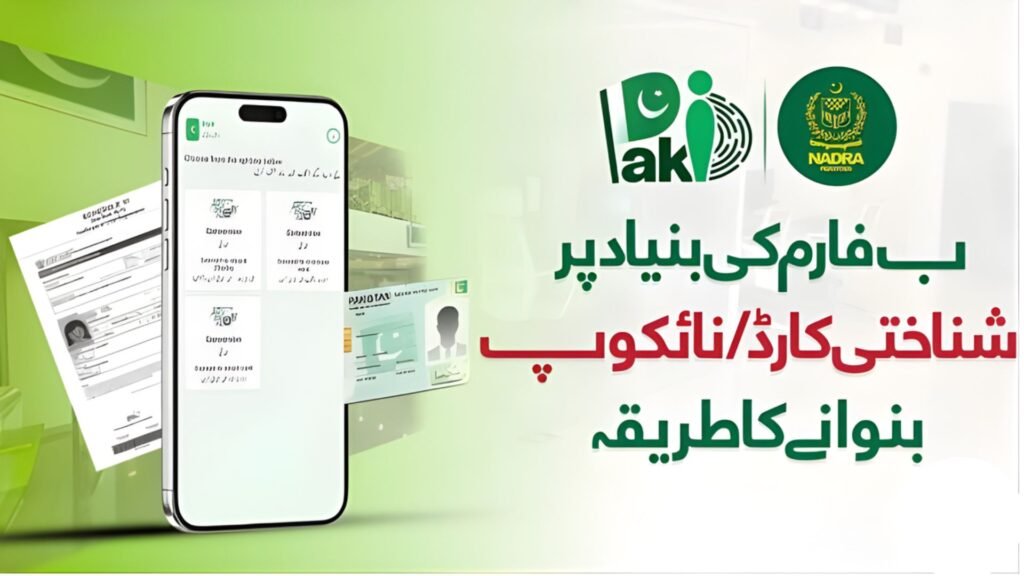
Applying for a Smart CNIC in Pakistan has become easier with the introduction of NADRA’s online system. Citizens can now apply for renewal, modification, or reprint of their Smart CNIC from home using the official Pak Identity portal or mobile app. This digital service saves time, avoids long queues, and allows applicants to track their application status online. However, it is important to note that first-time CNIC applications are usually not available online for residents and require a visit to a NADRA center.
Smart CNIC Online Application Details
| Feature | Details |
|---|---|
| Authority | National Database and Registration Authority (NADRA) |
| Card Type | Smart CNIC (Chip-based ID Card) |
| Application Method | Online via official portal/app |
| Official Website | https://www.nadra.gov.pk |
| Online Portal | https://id.nadra.gov.pk |
| Services Available | Renewal, Modification, Duplicate |
| Delivery Time | 7 to 30 days depending on service |
| Payment Methods | Debit/Credit Card, Easypaisa, JazzCash |
What is a Smart CNIC?
Smart CNIC is an advanced computerized identity card introduced by NADRA. It contains a secure microchip that stores personal data and biometric information, making it more secure and internationally acceptable.
How to Apply for Smart CNIC Online (Step-by-Step)
Follow these simple steps to apply online:
1. Visit Official NADRA Portal
Go to the official Pak Identity portal:
👉 https://id.nadra.gov.pk
2. Create Your Account
- Register using email and mobile number
- Verify your account
3. Start New Application
- Select service: Renewal / Modification / Duplicate
- Choose “Smart CNIC”
4. Enter Personal Information
- Fill in your CNIC details
- Update address or other required info
5. Upload Documents
- Upload scanned documents (if required)
- Provide digital photo, fingerprints, and signature
6. Pay Application Fee
- Pay online using secure payment methods
7. Submit & Track Application
- Submit your form
- Track status online from dashboard
Online applications allow full process completion from home, including biometric capture via mobile app.
Required Documents for Smart CNIC
You may need the following:
- Existing CNIC (for renewal/modification)
- Parents’ CNIC (for verification)
- Birth certificate (if required)
- Proof of address
- Passport (for overseas applicants)
Documents vary depending on application type.
Eligibility Criteria
To apply for Smart CNIC:
- Must be a Pakistani citizen
- Age must be 18 years or above
- Must already have a CNIC (for online services)
- Valid biometric verification required
- Fresh applicants must visit NADRA office
Smart CNIC Fee & Processing Time
| Service Type | Fee (PKR) | Delivery Time |
|---|---|---|
| Normal | 750 | 30 Days |
| Urgent | 1500 | 12–15 Days |
| Executive | 2500 | 7–10 Days |
Fees may change slightly depending on updates.
Benefits of Smart CNIC
- Advanced security with microchip
- Faster identity verification
- Accepted for international use
- Useful for banking, SIM registration, and travel
- Durable and long-lasting
Important Tips
- Always use the official NADRA website
- Avoid agents or fake websites
- Ensure correct biometric capture
- Double-check all entered information
- Keep application tracking ID safe
Conclusion
Applying for a Smart CNIC online in Pakistan is now simple and convenient through NADRA’s official digital platform. While new CNIC applications still require a visit to NADRA offices, services like renewal and modification can be completed entirely online. By following the correct steps and using the official government portal, you can safely receive your Smart CNIC at home without any hassle.
FAQs
1. Can I apply for a new Smart CNIC online in Pakistan?
No, first-time CNIC applications usually require visiting a NADRA center.
2. What is the official website for Smart CNIC?
The official website is: https://www.nadra.gov.pk
3. How long does Smart CNIC delivery take?
It takes 7 to 30 days depending on the service type.
4. Can I track my CNIC application online?
Yes, you can track it through the Pak Identity portal.
5. Is biometric verification required online?
Yes, biometric verification (fingerprints & photo) is required dur