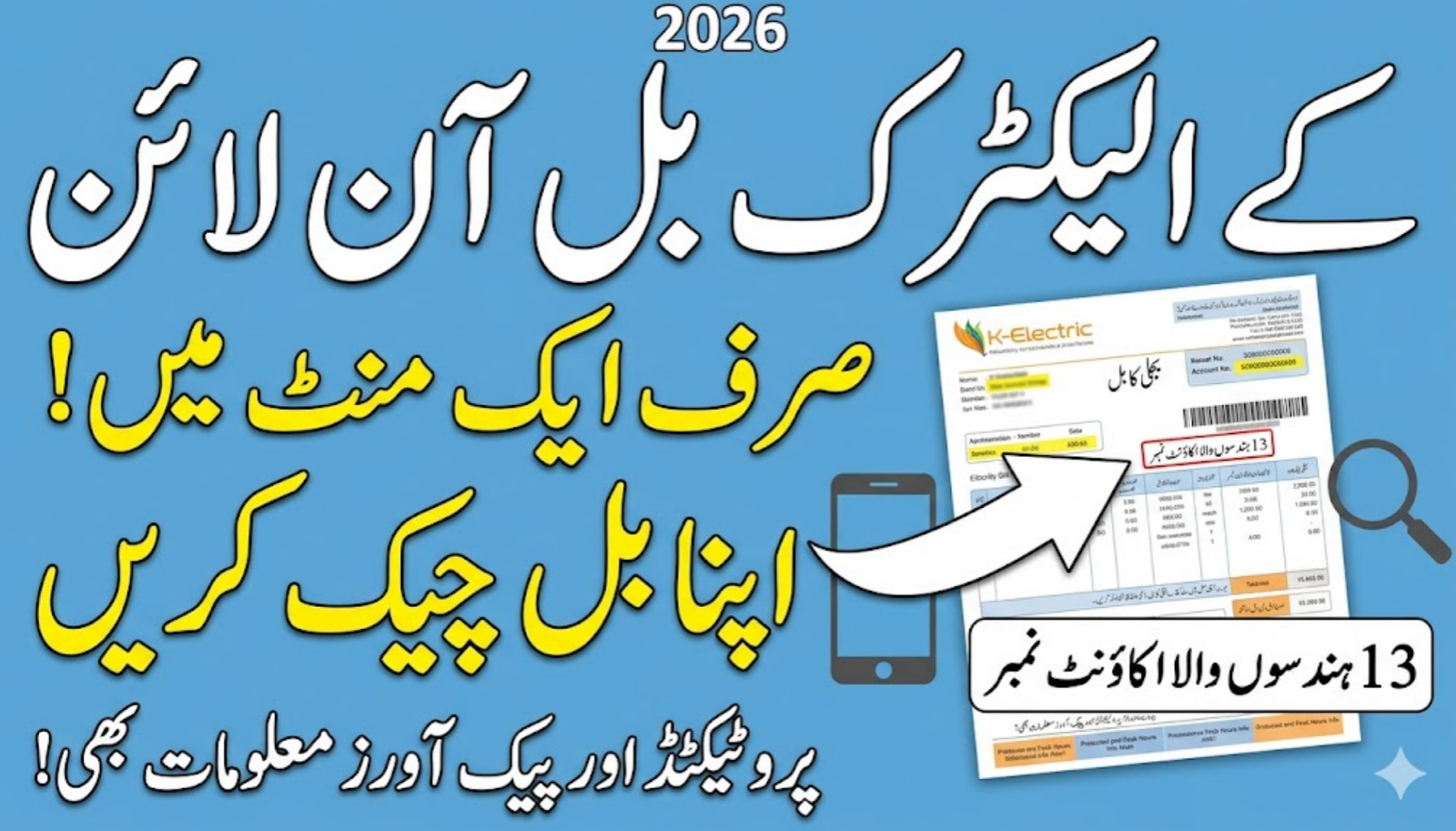
Getting your electricity bill on time in Karachi can sometimes feel like a bit of a gamble. Whether the courier missed your address or the paper bill got lost in the pile, the stress of a looming due date is real. Luckily, in 2026, you don’t have to wait for the postman to knock. You can check the K-Electric bill online in a matter of seconds from the comfort of your home. This generated Google Discover guide will walk you through the simplest ways to find your duplicate bill, understand the latest 2026 tariff changes, and keep your lights on without the headache of last-minute bank lines.
Table of Contents
How to Check the K-Electric Bill Online 2026
K-Electric (KE) has significantly improved its digital services this year. If you live anywhere from Surjani Town to DHA, accessing your billing information is now as easy as checking your social media.
Here is exactly how you can find your bill online:
- Find Your Account Number: Grab any old bill. Look for a 13-digit number (not the consumer ID) usually found in the top-left or top-right box. This is your permanent ID.
- Visit the Official Portal: Head over to the K-Electric official website https://www.ke.com.pk or their dedicated billing page.
- Enter the Details: Type in your 13-digit Account Number. In 2026, the portal is faster, so you won’t have to deal with much lag.
- View and Save: Click the “View Bill” button. Your full bill for the month will appear. You can download it as a PDF or just take a quick screenshot for your records.

Understanding Your Karachi Bill (2026 Tariff Breakdown)
| Consumer Category | Description / Units | Rate (Approx. 2026) |
| Lifeline Consumers | For low-usage households (Up to 100 units). | Rs. 3.95 – 7.74 per unit |
| Protected Category | Consistently under 200 units for 6 months. | Rs. 10.54 – 13.01 per unit |
| Non-Protected / Higher | Consumption above 300 units. | Rs. 36.46 – 47.20 per unit |
Modern Ways to Stay Updated on Your Bill
In 2026, we have way more options than just a web browser. Most Karachiites have shifted to these faster methods:
- KE WhatsApp Service: This is a lifesaver. You can simply send “Hi” to 0348-0000118 and follow the automated menu to get your bill summary instantly. It’s much faster than opening a website.
- The KE Live App: If you haven’t downloaded this yet, you’re missing out. It shows your current bill, your payment history, and—most importantly—your live load-shedding schedule.
- SMS Registration: You can register your mobile number by sending “REG [space] 13-digit Account Number” to 8119. Once registered, KE will text you your bill amount every month.
Tips to Avoid High Bills in 2026
Electricity isn’t getting any cheaper, but you can definitely manage it better. The biggest secret is knowing your Peak Hours. In 2026, for the months of April to October, the peak hours are 6:30 PM to 10:30 PM. During these four hours, every unit you consume costs significantly more. If you can delay running your water pump or iron until after 10:30 PM, you’ll see a noticeable drop in your monthly total.
What if the Online Bill is Different?
Sometimes people see a “Detection Bill” or an estimated reading. If you feel your online bill is wrong, don’t just ignore it. Take a clear picture of your meter’s current reading and visit your nearest K-Electric Customer Experience Centre (CEC). They are generally quite efficient now and can correct your bill on the spot if you have the proof.
Frequently Asked Questions (FAQs)
1. Can I check my KE bill using only my CNIC?
Currently, you cannot check your bill using just your CNIC. The system requires the 13-digit Account Number. It’s a good idea to save this number in your phone’s notes so you always have it handy.
2. How long does it take for an online payment to update?
If you pay via the KE Live App or a bank app, it usually updates within 24 to 48 hours. Don’t worry if the status still says “Unpaid” immediately after you’ve hit the pay button.
3. Is a printed online bill valid for bank payments?
Yes, absolutely. Any bank or easy-load shop will accept a printed copy of your online duplicate bill just like the original one.
4. Why is my “Fuel Adjustment” charge so high some months?
FPA is decided by NEPRA based on the global price of oil and gas used to produce electricity. Since Karachi relies heavily on these fuels, these charges fluctuate every month.
5. How do I report a power outage in my area?
The fastest way is to use the KE Live App or send an SMS to 8119. You can also call their 118 helpline, but during rain or major outages, the app is usually much more reliable.